 Zaga Studio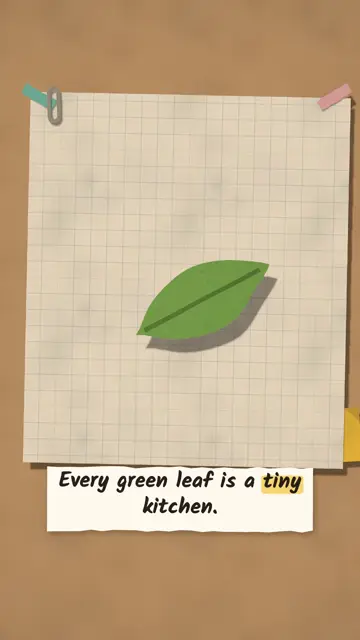
Paper lab
Science on a sheet of paper: 3D models, labels and camera moves.
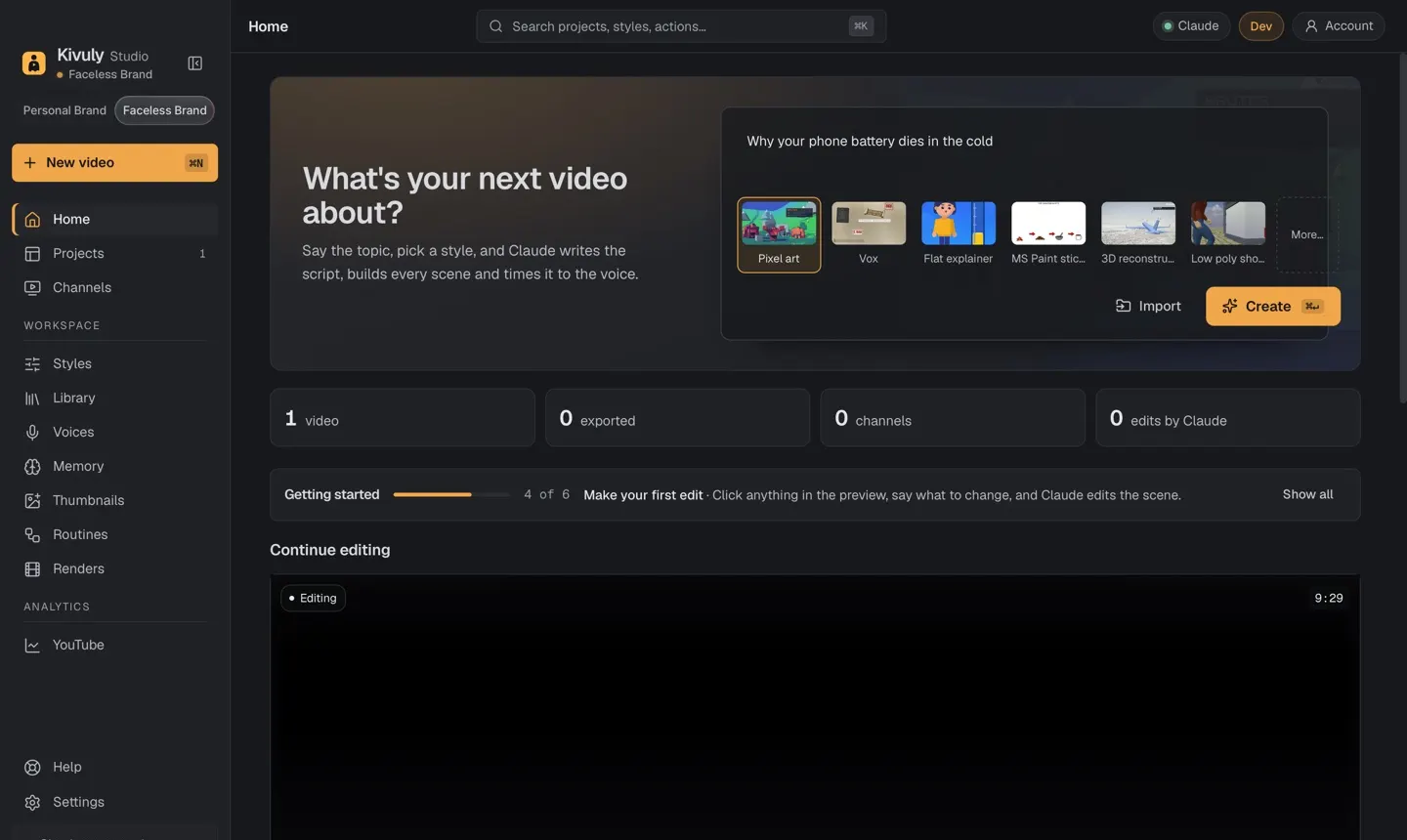
Type a topic and get a finished, animated, narrated video in minutes. Post it to YouTube, TikTok and Reels, and turn your ideas into a channel that can earn.
Or paste your own script. Pick a style and a length.
Claude writes the script, a voice reads it, the scenes animate themselves.
Click anything to change it, then post to YouTube, TikTok or Reels.
Real timing: the app opens in under a second, and a one-minute 3D video was ready in under three minutes on a MacBook Pro in our tests.
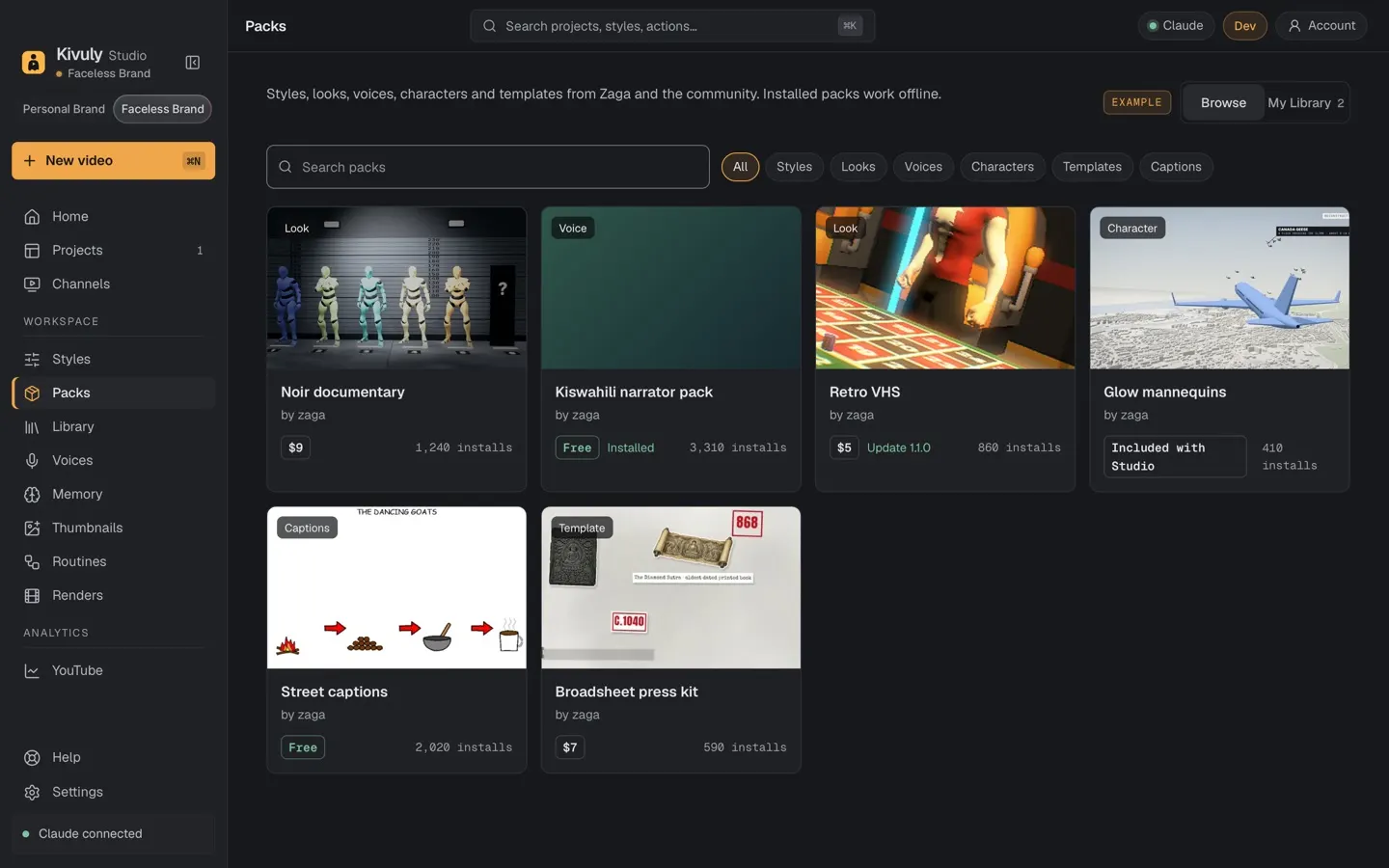
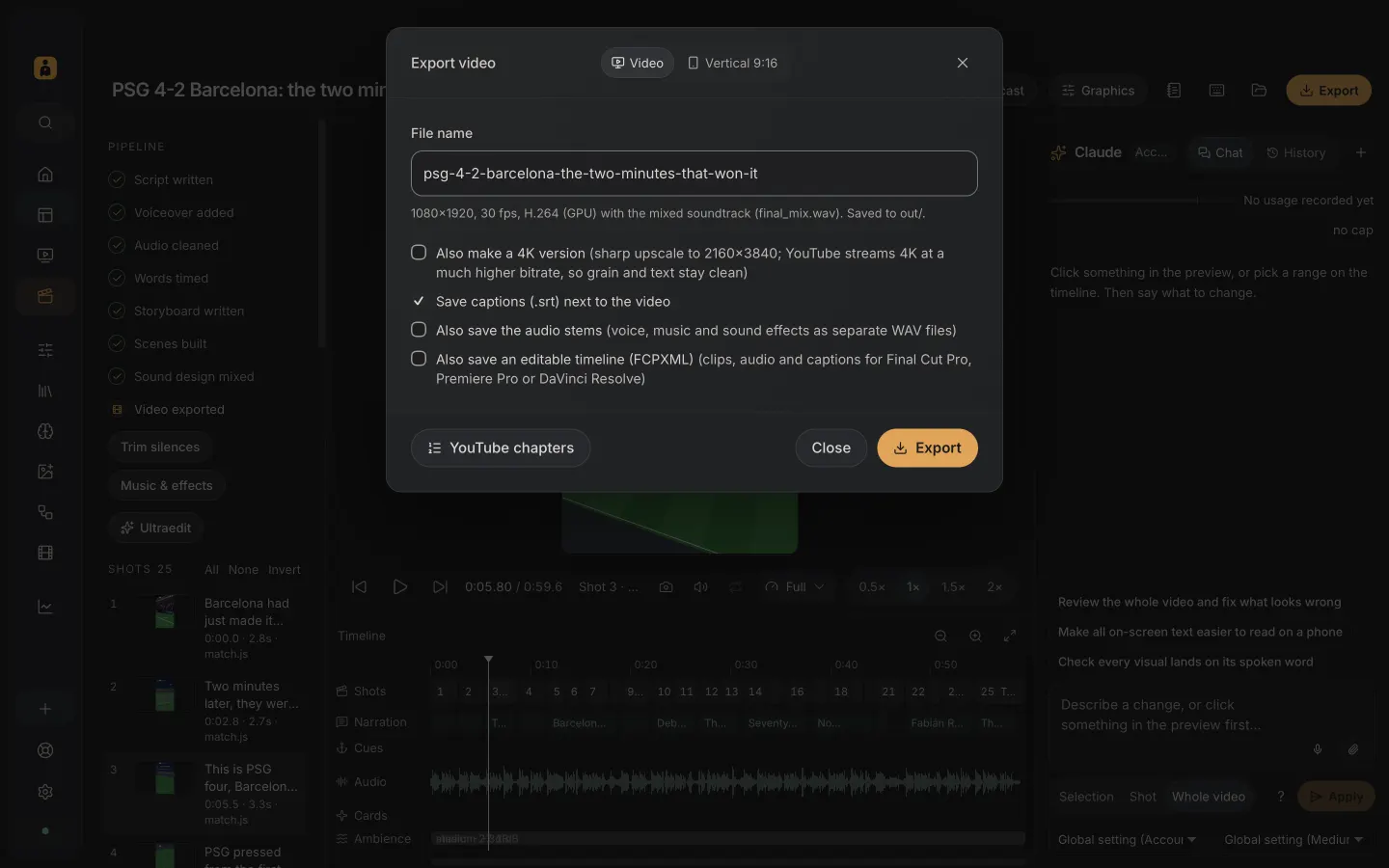
Real screens from Zaga Studio: from a typed topic to a finished, posted video.
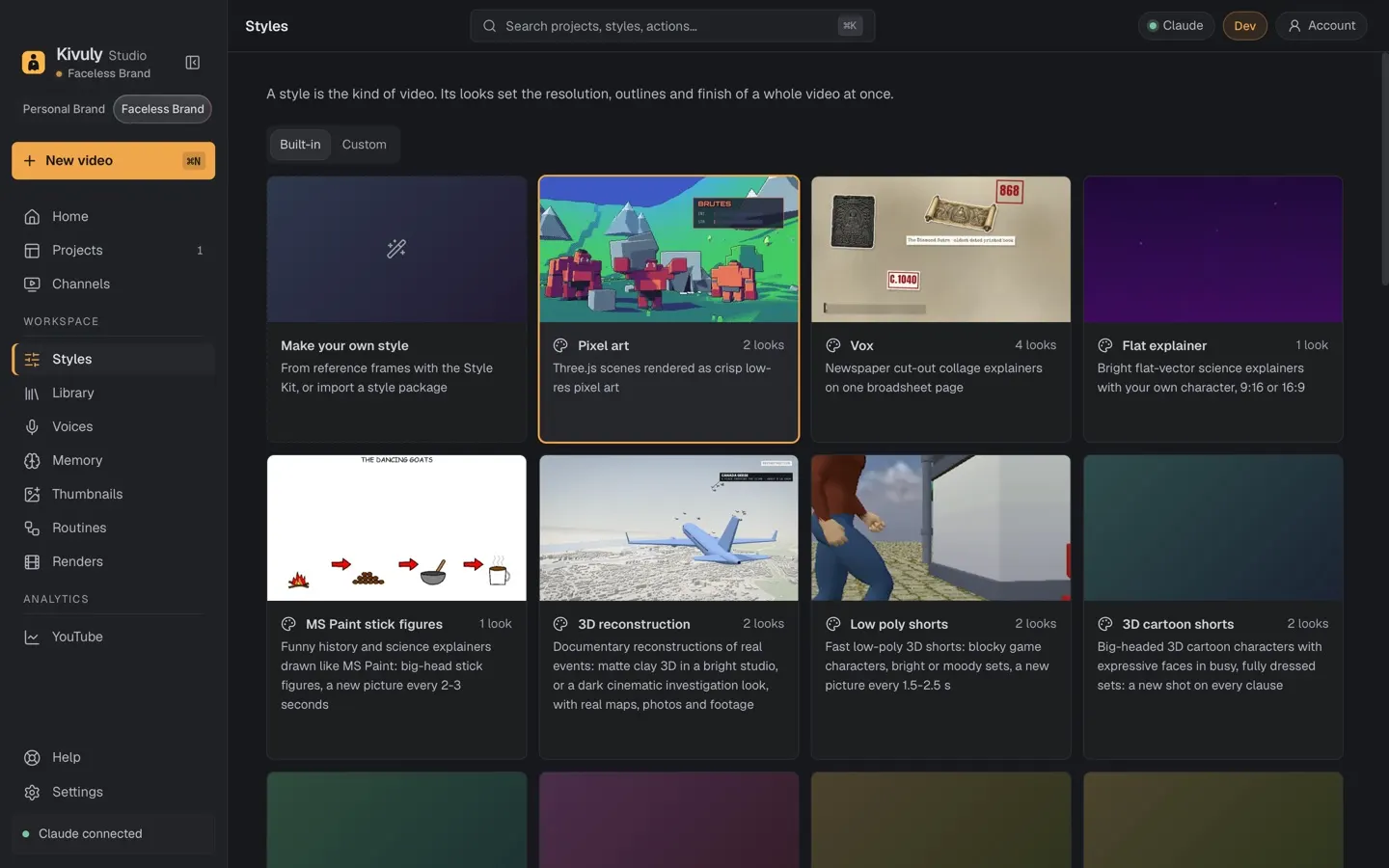
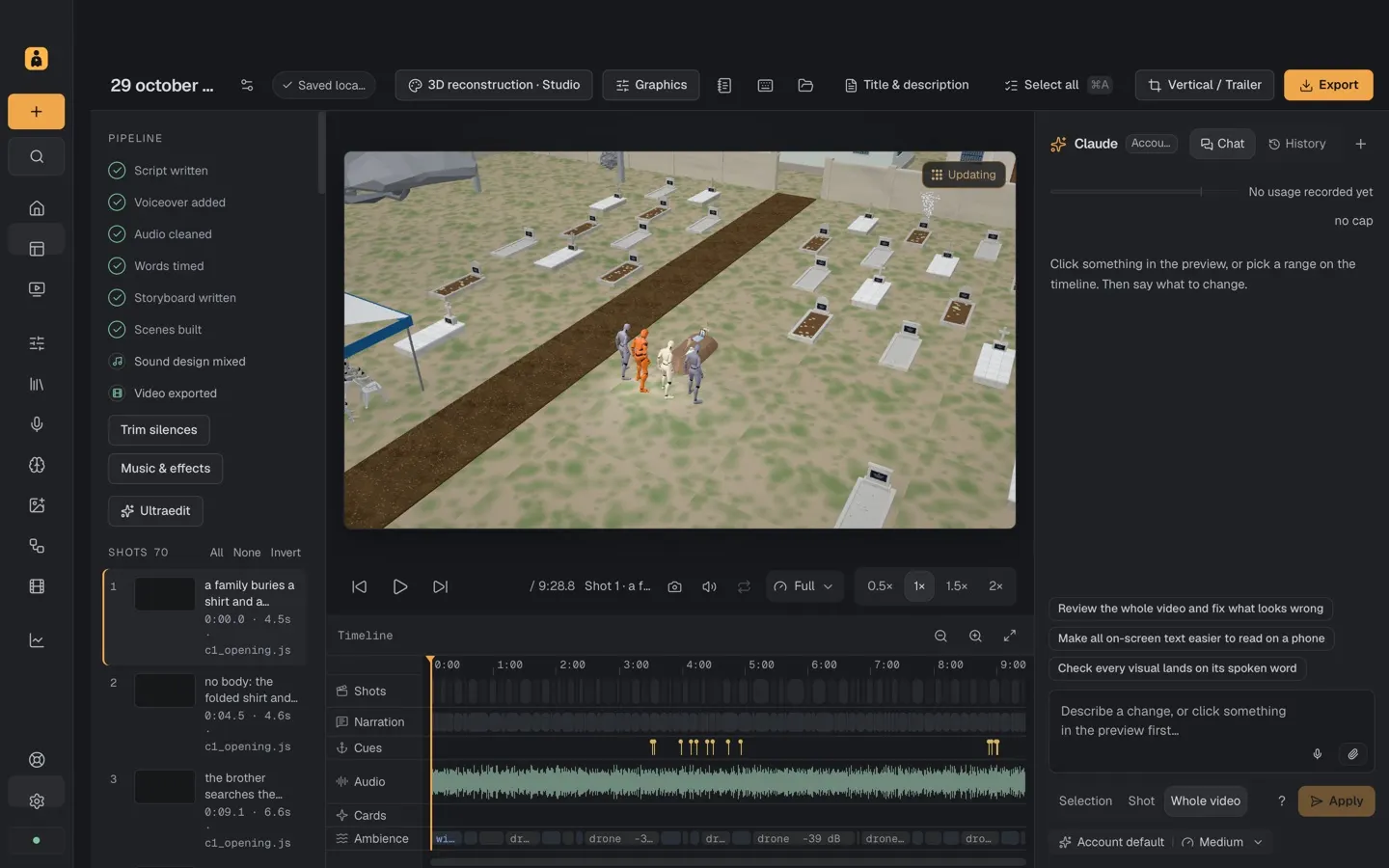
Each style builds its own scenes, characters, cameras and captions from your words. Every clip below was made in Zaga.
Science on a sheet of paper: 3D models, labels and camera moves.
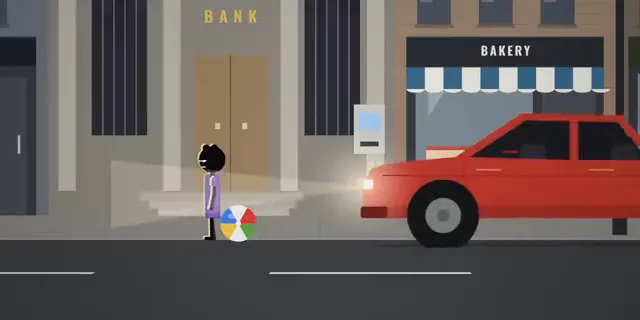
"What if you..." stories acted by stick people in illustrated sets.
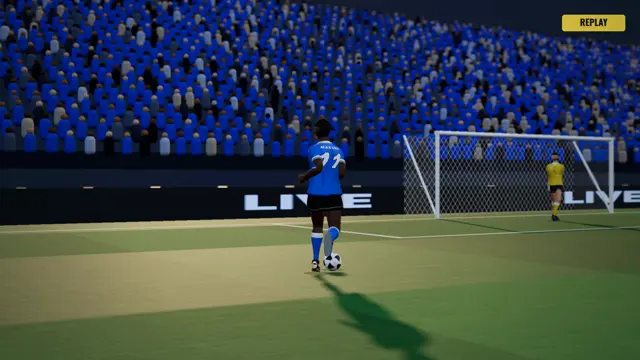
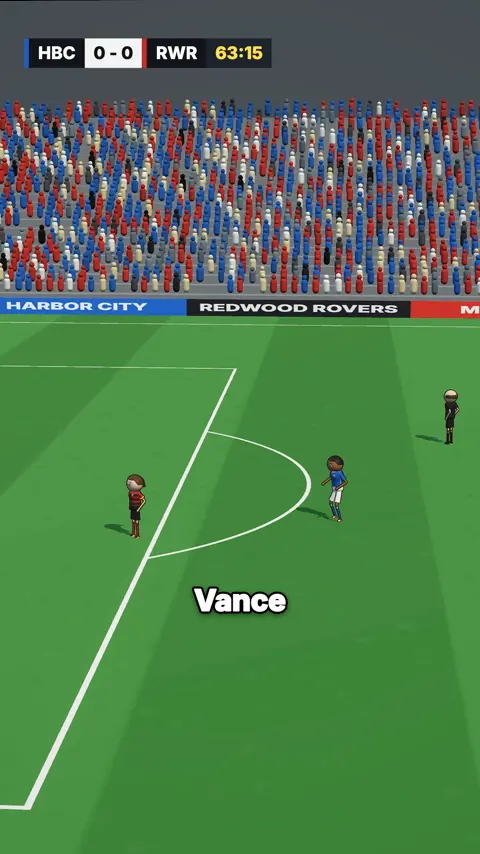
A simulated 3D match with TV cameras, a score bug and slow-motion replays.
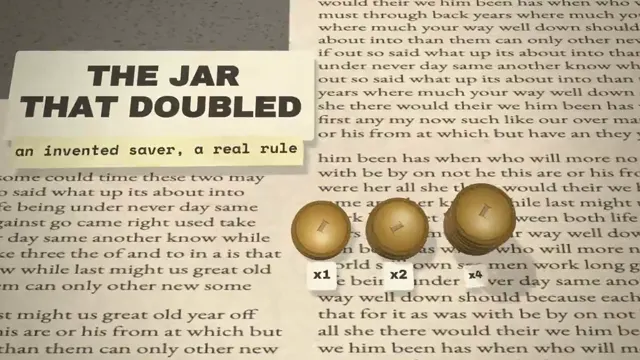
Newspaper cut-outs on a broadsheet page: maps, quotes, highlights.

Real events recreated in clay-matte 3D: maps, timelines, flight paths.
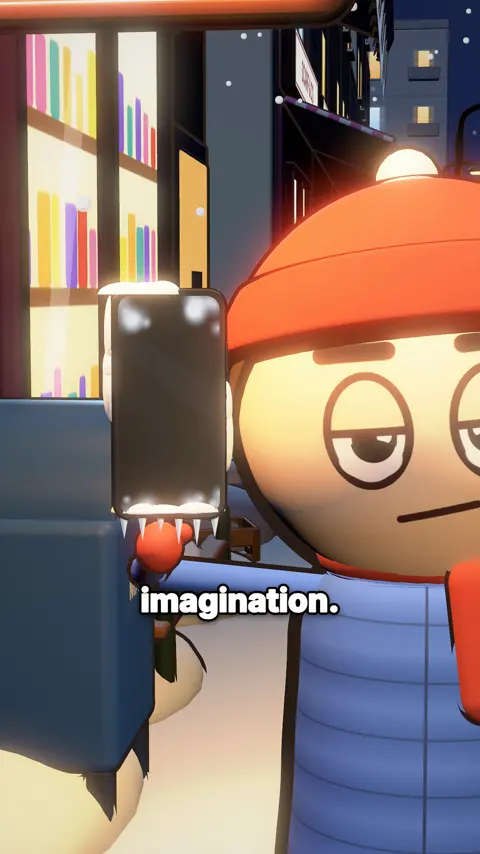
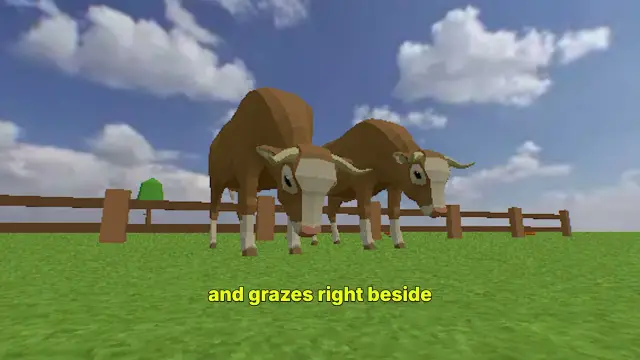
Big-headed characters with expressive faces in fully dressed sets.
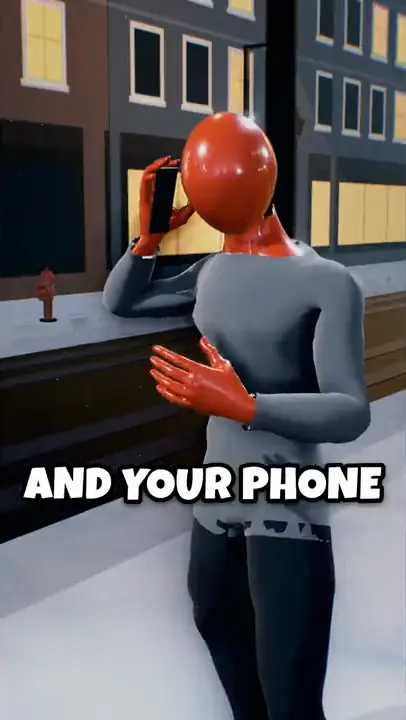
Faceless mannequins in vaults, bunkers and server rooms.
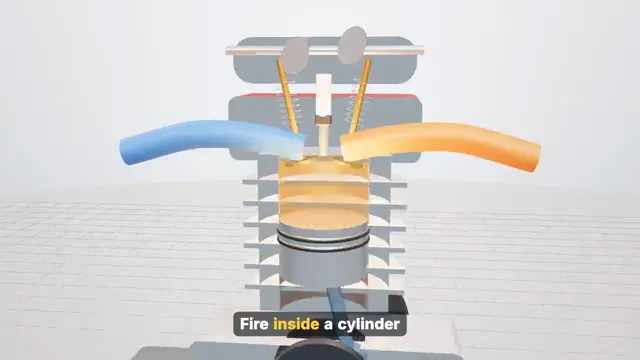
Cutaways, exploded views and labelled parts of real machines.
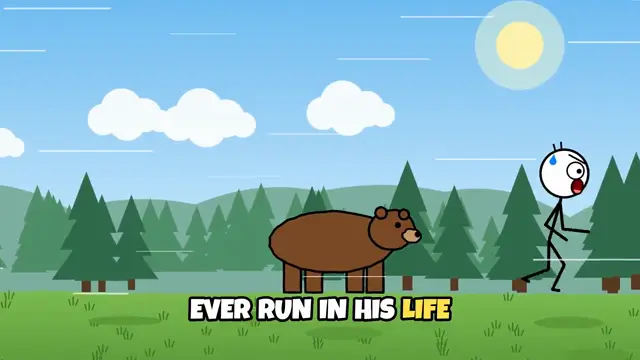
Comedic stick figures in detailed flat scenery.
Move the sliders to see an illustrative monthly range for YouTube ad revenue, based on public data by niche.
Freelance video editors in the US average about $20 an hour.[5] At 6 editing hours per video and 3 videos a week, that is about $1,560 a month you don't spend.
Scripting, voice-over, animation and captions happen in one place, while you watch. You spend your time on ideas and posting, not on a timeline.
Freelancers and small studios charge around $3,000–$8,000 per minute of 2D explainer animation.[6] Zaga lets one person deliver that kind of work.
Ad revenue once you reach 1,000 subscribers plus 4,000 watch hours in a year, or 10 million Shorts views in 90 days.[1]
TikTok's Creator Rewards pay for original videos over one minute once you have 10,000 followers and 100,000 views in 30 days.[4]
Explainers, product videos and social clips for local businesses and brands, priced per video or per month.[6]
Build and run faceless channels for clients who want an audience but have no time to make videos.
Recommend tools you use, including Zaga through our creator program, and take brand deals as your audience grows.
Earnings disclaimer. Figures on this page are illustrative ranges taken from the public sources below, not a promise or a prediction of what you will earn. Most new channels earn little or nothing at first. Results depend on your niche, audience location, video quality, consistency and each platform's rules, which change. Zaga Studio is a tool for making videos; it does not promise views, followers or income.
Writer, animator, narrator, editor and publisher, working together on your video.
Give it a topic. Claude researches it, writes the script and plans every shot, with sources you can check.
Not stock clips: every style draws its own scenes, characters and captions for your words.
Narrators that sound like people, two-voice conversations, and many voices and languages.
Click anything in the preview and say what to change. Just that shot updates.
Vertical for TikTok, Reels and Shorts, wide for YouTube, with captions built in.
The Title and description panel writes your YouTube text, then upload straight from the app.
Opens instantly, and editing and exporting work offline. Your projects stay on your computer.
Export captions, separate voice, music and effects tracks, and a timeline that opens in Final Cut, Premiere or Resolve.
Install new styles, voices, characters and finished templates in one click. Preview any pack on your own project first.
If your AI account hits its usage limit, the app waits and carries on by itself when the limit resets.
Give every character their own voice, with natural beats and pauses between lines.
Every showcase video lists the style, voice and settings used, so you can copy what works.
Get your channel featured. Post with #MadeWithZaga and the style and voice in your caption. We share the best ones here.
Join the creator programCompare what it takes to get one finished faceless video.
| Result | Zaga Studio | Other AI video tools | Hire a freelance editor | Commission an animation studio | Edit it yourself |
|---|---|---|---|---|---|
| Time for a 1-minute video | Minutes of your time | Minutes, plus waiting on credits | Days, plus back-and-forth | Weeks | A day or more |
| Cost per video | One flat monthly price, unlimited videos | Credits or minutes per video | About $20/hour, many hours per video | $3,000–$8,000 per minute of 2D | Your time, plus stock and music |
| Animated, original look | 18 styles, made for your script | Mostly stock clips | Your footage or stock clips | Yes, fully custom | Depends on your skills |
| Voices and languages | Built in, many voices and languages | Usually included | You record or hire | Voice actors extra | You record |
| Skills you need | None: type a topic | Prompting | Briefing and feedback | Briefing and approvals | Editing and animation |
| Changes after | Click a shot, say what to change | Regenerate the clip | Another revision round | Paid change requests | Redo it yourself |
Typical ranges; your costs will vary. Rates: PayScale (US freelance editors, 2026) and Pixune (explainer animation, 2026).
One edited video from a freelancer costs about $120. Zaga makes unlimited videos for one flat monthly price, with no credits or minute caps.
For solo creators running one channel
For power users, agencies and many channels
Prices in US dollars. Price includes any applicable tax. Cancel any time; all payments are final. Refer a friend: they get 20% off, you earn 30% for 12 months. How referrals work
A video where nobody appears on camera: the story is told with narration, animation and on-screen text. Many of the biggest history, science, finance and sports channels work this way.
No. You can go from a topic to a finished video without touching a timeline. The editor is there when you want more control.
Minutes of your time instead of days. Claude writes and builds while you watch, then your Mac makes the file: in our tests a one-minute 3D video was ready in under three minutes on a MacBook Pro, and simpler 2D styles are quicker.
Many channels do, but results are never certain. Earnings depend on your niche, your audience and how consistently you post, and platforms have their own entry rules (YouTube needs 1,000 subscribers plus 4,000 watch hours or 10 million Shorts views). The calculator on this page shows illustrative ranges, not promises.
Two plans: Creator at $69 a month for solo creators, and Studio at $129 a month for agencies, client work and many channels. One freelance-edited video costs about $120, so the plan pays for itself with your first video. Pay annually and get two months free. Cancel any time.
Zaga Studio runs on macOS 13 Ventura or later, on Apple silicon and Intel Macs. It opens in under a second, and editing and exporting work offline. Windows is coming; join the newsletter to hear first.
Zaga uses your own Claude account for writing and editing. Voices are included; premium voices from ElevenLabs or Fish Audio work with your own account if you want them.
Yes. Platforms reward original work, so bring your own angle and cite your sources. Zaga draws new scenes for every script instead of reposting other people's clips.
Only with consent. Zaga clones a voice only when the person it belongs to has agreed.
Share your link, show your recipe, earn 30% of every payment for 12 months. Your friends get 20% off.
Join the programWeekly challenges, script reviews and first looks at new styles on Discord and WhatsApp.
Join the communityOne tactic a week for faceless creators. No spam.
Unlimited videos for one flat price. Cancel any time.
Made for Mac · Windows coming soon