What's new

Better every week.

New styles, features and packs, as they ship. Updates are free for every plan.

A fresh new look

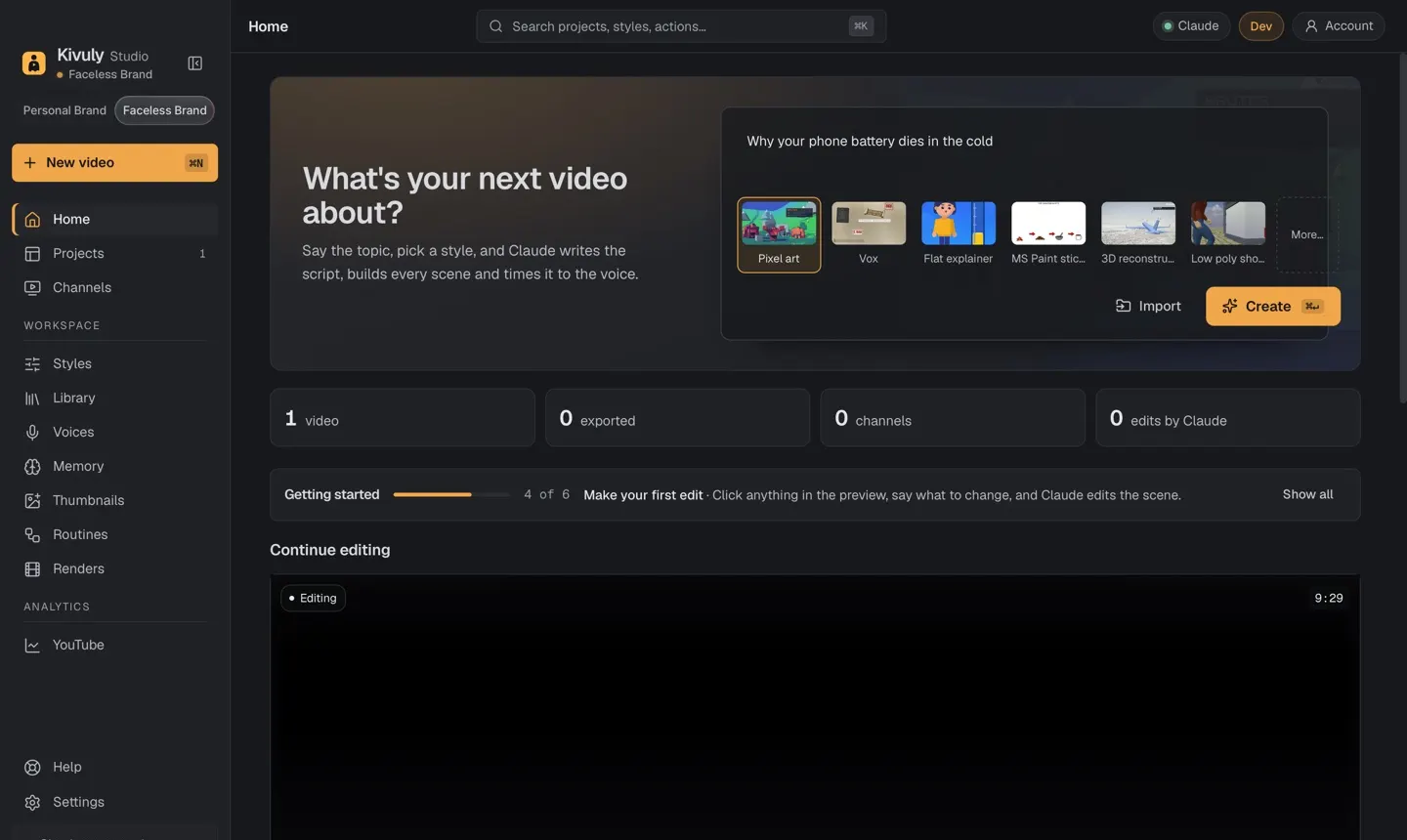
The new Zaga Studio home screen with a topic typed in and styles to choose from
  • New home screen. Type your topic, pick a style and press Create, all from the first screen.
  • Guided tour. A short tour shows new users where everything is on their first launch.
  • Packs. Add styles, voices, characters and finished templates in one click, and preview any pack on your own project first. Three packs to start: Matchday kit, Story starters and Explainer starters.

Better for long videos

  • Smoother previews. Long 3D videos play back smoothly while you edit.
  • Pick up where you left off. If your AI account hits its usage limit mid-video, Zaga Studio waits and carries on by itself when the limit resets.

Ready to post

  • Title and description. A panel in the editor that writes your YouTube title and description for the video.
  • Files for your editor. Export separate voice, music and effects tracks, one clip per shot, and a timeline that opens in Final Cut Pro, Premiere Pro and DaVinci Resolve.
  • Character voices. Give every character their own voice, with natural beats and pauses between lines, even with the free voices.

New styles

  • Paper lab. Science explainers in 3D on a sheet of paper, with labels and camera moves.
  • Stick stories. "What if you..." stories acted by stick people in illustrated sets.
  • Football match. A simulated 3D match with TV cameras and slow-motion replays.

Get updates by email

One tactic a week for faceless creators. No spam.